



Let's bring your Reachy Mini to life
Two simple steps: assemble your robot, then connect it and play. No coding required.
Which version do you have?
Step 1
Assemble your robot
Follow our visual guide to put together your Reachy Mini. Most people finish in 2-3 hours - our record is 43 minutes! 🏆
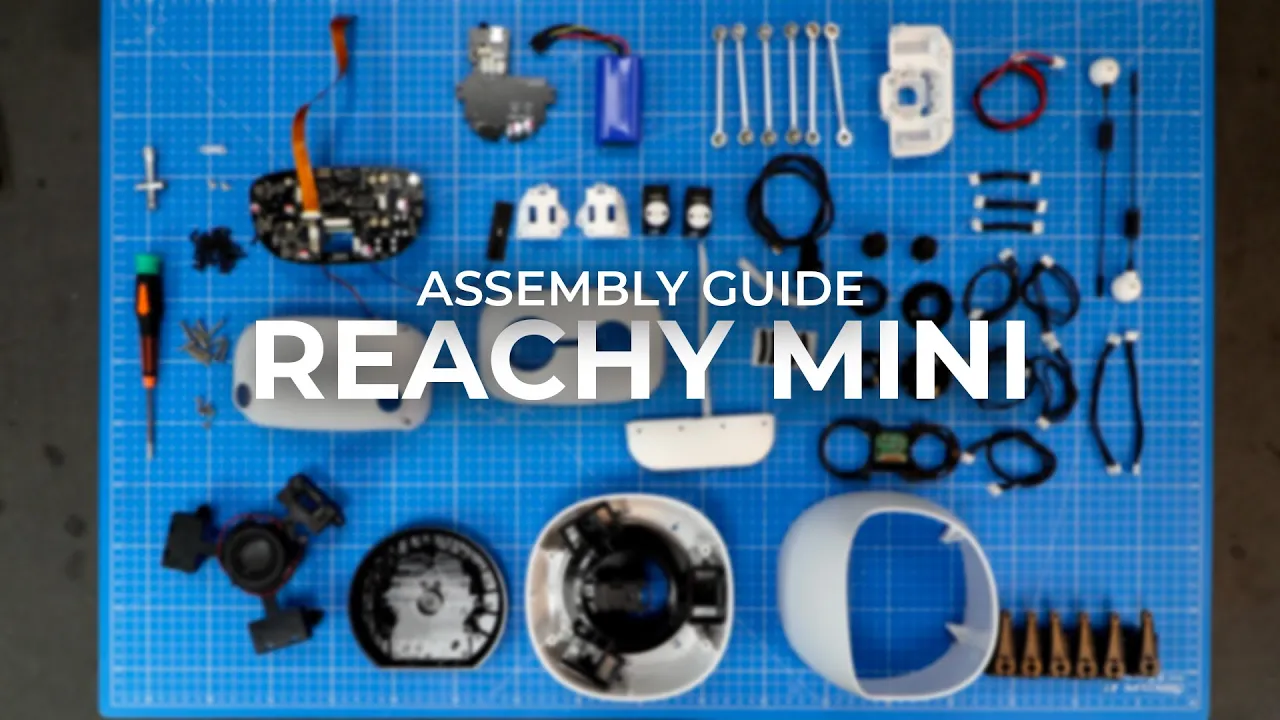
▶ Watch Assembly Guide
Beta version? Your guide is here.
Step 2
Connect & install the app
The free mobile app is all you need to set up and drive the Wireless version.
Power on your robot
Boot-up takes about 30 seconds.
Get the mobile app
Free on iOS and Android - it's all you need for the Wireless version.


Connect to Wi-Fi
The app finds your robot over Bluetooth, joins it to your network, and signs you in with Hugging Face.
Wake it up & play
Your robot appears in the app - tap to connect, then talk to it and explore apps, from telepresence to AI conversations.
Stuck? Check the Troubleshooting & FAQ or ask on Discord.
Go further
Want to create your own apps?
Learn how to code with the JavaScript SDK, create custom experiences, and share them with the community.